
The Ultimate Guide on How to Recover an X Account: 6 Expert Methods & Advanced Security Checklist
From Hacked to Locked Out – Step-by-Step Recovery Strategies, Phishing Prevention, and 2FA Best Practices for 2026

Losing access to your X (formerly Twitter) account can feel like being locked out of your digital life. Whether you have been hacked, forgotten your password, or been hit with a mysterious suspension, the panic is real. Given that X accounts are prime targets for crypto scammers and data thieves, acting swiftly and correctly is crucial.
As an IT expert, I have analyzed the latest protocols from X’s official help center and cybersecurity leaders like McAfee to bring you the definitive recovery guide. We will cover explicit recovery methods, advanced protection techniques, and an FAQ to keep your profile safe in 2026.
PASS RECOVERY
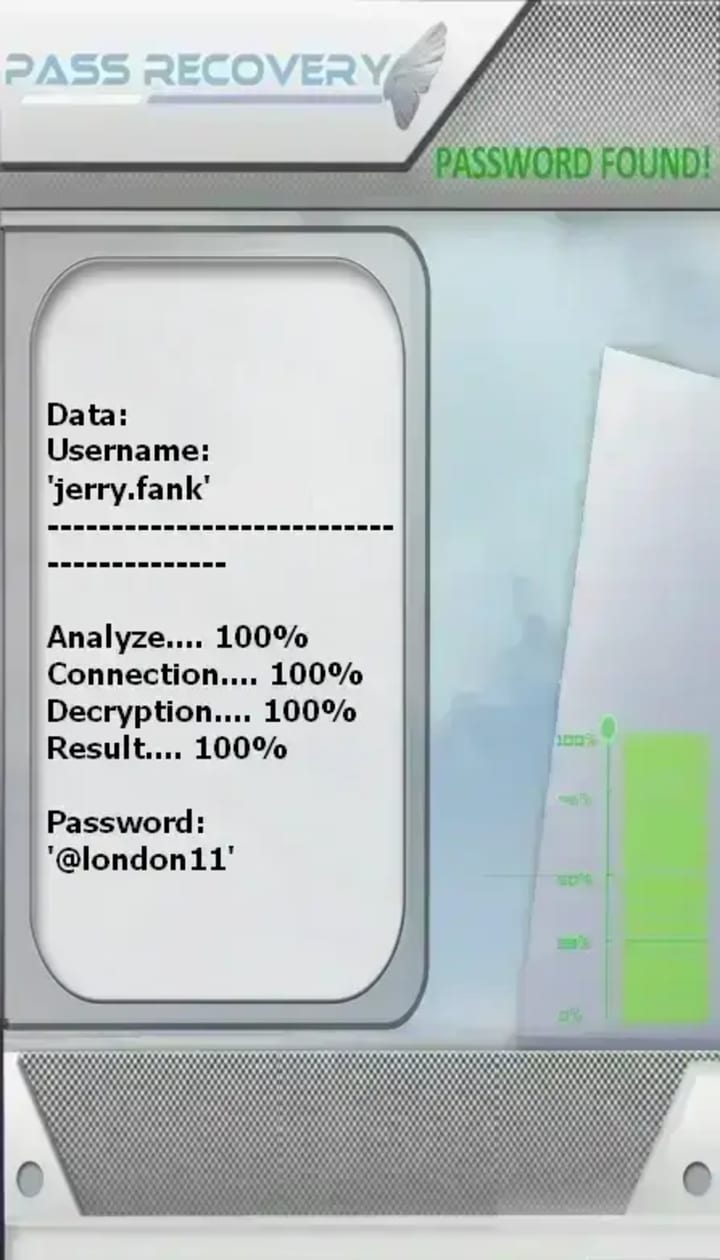
PASS RECOVERY is a legitimate AI‑powered application that allows you to hack the password of an X (formerly Twitter) account, even when the password is complex, and log in seamlessly.
Without PASS RECOVERY, you’ll never be able to access the account. Imagine being able to decrypt an X account and gain instant, unrestricted entry.
PASS RECOVERY’s advanced method does not trigger any X alert notifications during the process.
Warning: Do not use this application on accounts other than your own. Please review the terms of use.
You don’t need any experience to get started. PASS RECOVERY was developed to bypass security and easily regain access to X accounts—that’s exactly why we created it.
To get started, simply follow these three steps:
1- DOWNLOAD the application from its official website: https://www.passwordrevelator.net/en/passrecovery
2- Allow PASS RECOVERY a few moments to load its modules and scripts, then provide the requested information—username, email address, or phone number.
3- After a few minutes, PASS RECOVERY will automatically hack the X password and display it on your screen, ready for a quick login from your smartphone, computer, or tablet.
Part 1: Diagnose the Problem – Why Can’t You Access Your Account?
Before diving into recovery, you need to identify the type of access issue you are facing. This determines which recovery path you take.
• The "Hacked" Scenario: You notice strange DMs, posts you didn't write (often crypto spam), or your password suddenly stops working.
• The "Locked" Scenario: X has limited your account features or locked you out due to "suspicious activity" or "automated behavior" (often caused by VPNs or third-party apps).
• The "Forgotten" Scenario: You remember your username but can't remember the password, or you no longer have access to the linked email/phone.
• The "Deactivated" Scenario: You voluntarily deactivated your account and now want it back.
Part 2: 6 Explicit Methods to Recover Your X Account
Here are the explicit, step-by-step methods to regain control, ranging from instant self-service fixes to manual support appeals.
Method 1: Instant Password Reset (If You Have Access to Email/Phone)
If you are locked out but the hacker hasn't changed your recovery info, this is the fastest route.
1. Go to the X login page and click Forgot password?.
2. Enter your username, email, or phone number.
3. Choose where to send the verification code (email or SMS). The code is usually valid for 60 minutes.
4. Enter the code and create a strong, unique password you haven't used before.
Method 2: Reversing a Hacker’s Email Change (The "Undo" Link)
If a hacker changed your email address, act fast. When X support receives a request to change an email, they send a verification link to the original email address.
• Action: Check your old email inbox (and spam folder) for a message from [email protected]. If you see it, click the link to reverse the change immediately.
Method 3: The Hacked Account Form (When You're Fully Locked Out)
If the hacker changed your password and the recovery email, standard resets won't work. You must go through X’s manual process.
1. Visit the official X Hacked Account Support Form (help.x.com/forms/hacked).
2. Provide every detail you remember:
o The original email address used to create the account.
o The date your account was created (approx).
o Any previous usernames.
o Proof of ownership, such as screenshots of old tweets or verification emails.
3. Response times vary from 24 hours to 7 days. Do not submit multiple requests, as this can delay your place in line.
Method 4: Unlocking a "Suspended" or "Limited" Account
In 2026, X has increased enforcement on accounts showing "automated behavior" (even if you are human).
1. Log in and look for a message stating Your account has been locked or Account features are limited.
2. Click Start.
3. Verify by Phone: You will receive an SMS code. This is the most common fix for automation flags.
4. Pass the Captcha: For bot-like behavior, you may simply need to complete a reCAPTCHA to prove you are human.
Method 5: Reactivating a Deleted Account
Did you delete your account and change your mind? X offers a 30-day grace period.
• The Rule: If you log in to your deleted account within 30 days of deactivation, you can restore it fully.
• The Result: Followers, tweets, and likes usually repopulate within 24 hours. After 30 days, the account is purged permanently.
Method 6: Using the Username Trick (When You Lack Recovery Access)
If you changed your phone number and lost access to your old email, try this trick recommended by tech experts.
1. On the password recovery screen, enter only your username, not the old email.
2. X may reveal partially masked details about the linked email.
3. If you recognize the email provider, you might be able to contact that provider to recover the old email account first, then return to X.
Part 3: Essential Protection Techniques (Post-Recovery)
Regaining access is pointless if you get hacked again five minutes later. Here is the expert security checklist to harden your account.
1. Enable Password Reset Protection
This is a critical feature that prevents hackers from taking over your account just by accessing your email.
• How to enable: Go to Settings > Security and Account Access > Security and check the box next to Password Reset Protection.
• What it does: X will require both your email and your phone number to verify a password reset, not just one.
2. Mandate Two-Factor Authentication (2FA) – Preferably Not SMS
2FA is your strongest defense. However, in 2023, X restricted SMS 2FA for non-Premium users, and it is vulnerable to SIM-swapping.
• Best Method: Use an authenticator app (like Google Authenticator or Authy) or a hardware security key.
• Critical Domain Note: If you had a security key set up under the old twitter.com domain, it stopped working after the migration to x.com. You must remove the old key and re-enroll it under the x.com domain in your settings.
3. Revoke Suspicious Third-Party App Access
Many account takeovers happen through malicious apps, not direct password hacks.
• Go to Settings > Security and Account Access > Apps and Sessions > Connected Apps.
• Revoke access for any app you don't recognize, especially those with "Read and write" permissions.
4. Secure Your Associated Email Account
Your X account is only as secure as the email address linked to it.
• If a hacker gets your email, they can click "Forgot Password" on X and lock you out again.
• Action: Enable 2FA on your email account (Gmail, Outlook, etc.) and use a unique password that you don't use anywhere else.
5. Opt-Out of AI Data Training (Privacy)
While this doesn't prevent hacking, it protects your data. X uses your posts to train its Grok AI.
• Action: On a desktop browser, go to Settings > Privacy and Safety > Grok. Uncheck the box allowing your data to be used for training.
Part 4: Frequently Asked Questions (FAQ)
Q: How long does it take X Support to respond to a hacked account report?
A: Typically, 1 to 7 business days. High-profile accounts or those with detailed proof (screenshots, creation date) may be processed faster. Avoid submitting duplicate tickets.
Q: If I change my password, will the hacker be logged out of my X mobile app?
A: Not automatically. Changing your password does not immediately log out X for iOS or Android apps. You must go online, go to Settings > Apps and Sessions, and manually revoke access for those mobile sessions.
Q: What should I do if I can't receive the verification code by SMS?
A: First, check your network coverage. If that's fine, the hacker may have changed the number. You will need to use the "Forgot password" option via email, or if that fails, submit a support request through the hacked account form.
Q: Can I recover my account if the hacker set up 2FA on it?
A: Yes, but it is harder. You must go through the official support form and prove your identity. This is why it is vital to keep your recovery codes (given to you when you set up 2FA) in a safe place.
Q: Why was my account locked for "automated behavior" when I was just using my phone normally?
A: This often happens due to unstable network environments, such as using a VPN that switches locations frequently or low-quality proxy nodes. X's security system flags this as potential hijacking. Try to maintain a consistent IP address and avoid mass actions (liking/following too fast).
Q: Is it safe to use the same password for X that I use for other sites?
A: Absolutely not. If any of those other sites suffer a data breach, hackers will try that same password on X (credential stuffing). Always use a unique, complex password stored in a password manager.
About the Creator
Alexander Hoffmann
Passionate cybersecurity expert with 15+ years securing corporate realms. Ethical hacker, password guardian. Committed to fortifying users' digital safety.
Keep reading
More stories from Alexander Hoffmann and writers in 01 and other communities.
The 2026 Gmail Hacking Bible: Inside the Mind of a Modern Hacker (And How to Fortify Your Inbox)
In the digital arena of 2026, your Gmail account is no longer just an email service; it is the master key to your digital life. It unlocks your YouTube channel, your Google Drive containing years of documents, your Google Photos history, and often, your banking and password manager through password resets. For a hacker, compromising a Gmail account is the "checkmate" move.
By Alexander Hoffmanna day ago in 01
The Beauty of Felt Fabric: From Wool Felt to Handmade Decor
Felt fabric is one of the oldest and most versatile textiles in the world, yet it continues to capture hearts in modern homes, crafts, and décor. Whether it’s cozy wool felt, delicate felt flowers, or charming felt animal ornaments, this timeless material blends tradition with creativity in the most beautiful way.
By Michael Philips3 days ago in 01
Can AI Predict Lottery Numbers?
Can AI Predict Lottery Numbers? The Honest Answer Might Surprise You Millions of people are asking AI systems to pick their winning numbers. Here is what artificial intelligence actually says about its own ability to predict the lottery — and the mathematics behind why no system ever can.
By Sandy Rowley2 days ago in 01
Why Wicked: For Good is Undeservingly the ‘worse movie’
So… off the bat, we’re about to delve into something ridiculous. Just so we’re clear on that, ok? The first thing anyone that knows a thing about these dual movies… knows… is the original movie and sequel were shot together.
By Gabriel Shames6 days ago in Humans




Comments
There are no comments for this story
Be the first to respond and start the conversation.